Illinois AnyWare is a virtual desktop service designed to support blended and remote learning by providing students with secure, high-performance access to more than 100 academic software applications – anytime, anywhere–on or off campus.
Access Illinois AnyWare using multiple devices and operating systems including Windows, MacOS, Linux, iOS and Android. To use the service, simply log in using a browser and follow the prompts to install Citrix Workspace.
Why is Illinois AnyWare helpful?
1. It can run software you don't have
Illinois AnyWare gives students and instructors access to 100+ software applications on campus, in class or remotely. You don’t have to download any of the apps like the Adobe CC Suite, MatLab, Office, Visual Studio Code, etc.
2. No more slow processing power
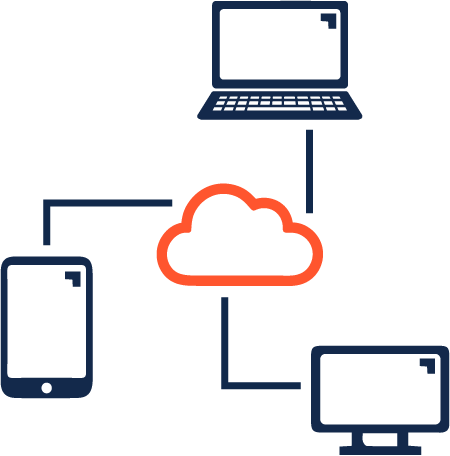
Illinois AnyWare allows you to use apps via a remote desktop. This means your personal device doesn’t need more processing power to run the software you need. With all your favorite apps in one place, you can get your work done quicker and easier.
3. Fast access to large data sets
Once you’re connected, the remote app uses the remote computer’s internet. So if your app needs to access large data sets, it can bypass your slow connection.
4. It's user friendly
Illinois AnyWare is easy to use. Take it from our former student employee:
“I’m not an especially tech-savvy person, and you don’t have to be, either! By following the connection instructions, I had Illinois AnyWare up and running in less than 10 minutes. From there, it was easy to find the applications that I needed and even easier to add them to my favorites tab. It has an easy-to-navigate interface that anyone can use.”
Need help?
Contact Technology Services (consult@illinois.edu) with questions.